01 / Character design
The character artist
Build a visual starting point from mood, costume, expression, and silhouette notes before refining the chosen direction in your main art tool.
Test a character briefAnime creator channel
Yodayo for anime free is most useful when it joins the work you already do: collecting references, shaping characters, testing scenes, and preparing a clear visual brief. Instead of replacing your creative process, Yodayo gives each stage a faster place to explore.
01 / Character design
Build a visual starting point from mood, costume, expression, and silhouette notes before refining the chosen direction in your main art tool.
Test a character brief02 / Storyboarding
Translate a rough anime beat into several compositions so the team can compare camera angle, lighting, setting, and emotional emphasis early.
Explore scene options03 / Social content
Create a consistent set of portraits, cover images, and vertical concepts for posts without losing the personality of the series or character.
Make a content set04 / Solo production
Keep prompts, visual tests, and narrative ideas moving in one place while you decide what deserves a polished final pass.
Open the workflowWorkflow placement
A practical Yodayo setup sits between the idea and the finishing tools. It helps anime teams make decisions while the cost of changing direction is still low.
| Pipeline attribute | Existing anime workflow | Yodayo layer |
|---|---|---|
| Starting material | No — ideas may stay in scattered notes | Yes — turn prompts and references into visible studies |
| Character exploration | Yes — usually handled by sketches or model sheets | Yes — compare expressions, outfits, and poses quickly |
| Scene iteration | No — changes can wait until later production | Yes — test framing, atmosphere, and action early |
| Team discussion | Yes — reviews happen around selected frames | Yes — bring several clear options to the review |
| Final compositing | Yes — completed in the specialist finishing tool | No — Yodayo is an ideation and generation layer |
| Reusable references | No — often spread across folders and chats | Yes — preserve useful outputs as a visual direction set |
A simple handoff
The change is not “old tools versus new tools.” It is a shift from an unformed anime idea to a shared reference that can guide the next decision. For more visual directions, browse Yodayo anime examples; for online generation context, see the Yodayo image generator online workflow.
Start with the character, emotion, location, and shot intention that matter most. Keep the first prompt readable rather than exhaustive.
Use Yodayo to make a small group of anime studies. Compare the range, then keep the strongest visual decisions instead of chasing every variation.
Package the selected frame with its prompt notes, references, and next-step comments so illustration, editing, or production can continue cleanly.
A compact handoff target
A useful anime package is small enough to review and specific enough to act on. These planning numbers give a solo creator or studio team a repeatable Yodayo output without turning exploration into paperwork.
Scenario FAQ
The best way to judge Yodayo is against the moment where your anime process slows down. Use the answers below as a practical starting point.
Yes. Treat it as a visual pre-production layer: use it for references, character direction, and scene options, then move the chosen result into the illustration, editing, or publishing tools you already trust.
That is one of its strongest places in the process. Early studies can reveal whether a shot reads, whether the mood fits, and which details deserve attention before a more expensive production pass.
Lead with the subject, action, setting, mood, and shot type. Add costume or style references after the core idea is clear. This gives Yodayo enough direction to produce useful comparisons without burying the intent.
Planning calculator
Set the number of anime scenes you want to explore and use the estimate to size a first Yodayo session.
A visual handoff
The goal is a usable decision, not a pile of disconnected generations. Compare the difference between an unstructured reference board and a focused anime direction set.
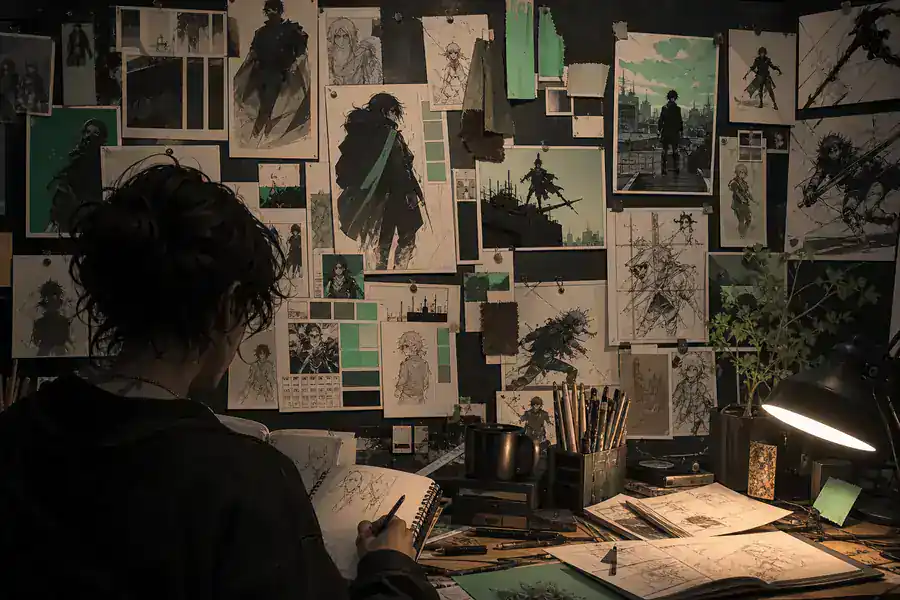
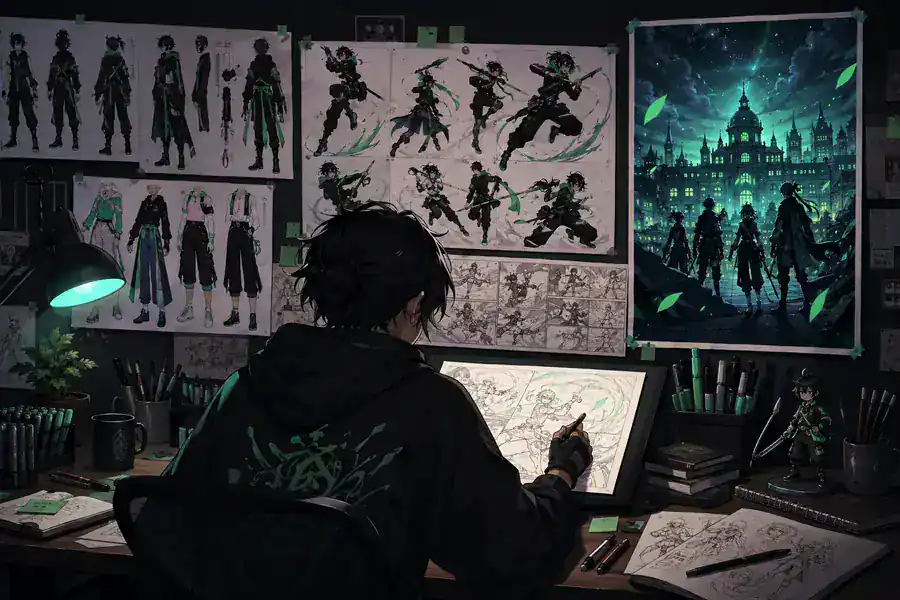
Use the selected image as a conversation starter: note what works, what changes, and which details belong in the next production stage.